
Let’s be honest — ChatGPT is powerful, but most people are still using it like a basic chatbot. If you’ve ever typed in a question, gotten a decent response, and closed the tab thinking that’s all there is to it, you’re not alone. But here’s the thing: you’re only scratching the surface.
Behind ChatGPT’s familiar interface lies a growing ecosystem of specialized tools called custom GPTs, and they’re a complete game-changer. These are purpose-built versions of ChatGPT that are trained and fine-tuned to perform specific tasks better, faster, and with more precision.
Need help writing engaging ad copy? There’s a GPT for that. Want to build a functional website without writing a single line of code? There’s one for that, too. From automating repetitive work to elevating your learning game, GPTs are quietly doing the heavy lifting for thousands of smart users—but most people still don’t know they exist, let alone how to use them.
In this article, we’re diving into ten incredible GPTs you can use right now inside ChatGPT to make your life easier. Whether you’re a professional trying to boost productivity, a freelancer juggling multiple tasks, or a learner looking for smarter ways to study, these GPTs are designed to help you do more in less time.
Let’s start by understanding GPTs, how they work, and why they should be part of your digital toolbox.
What Are GPTs and Why Should You Use Them
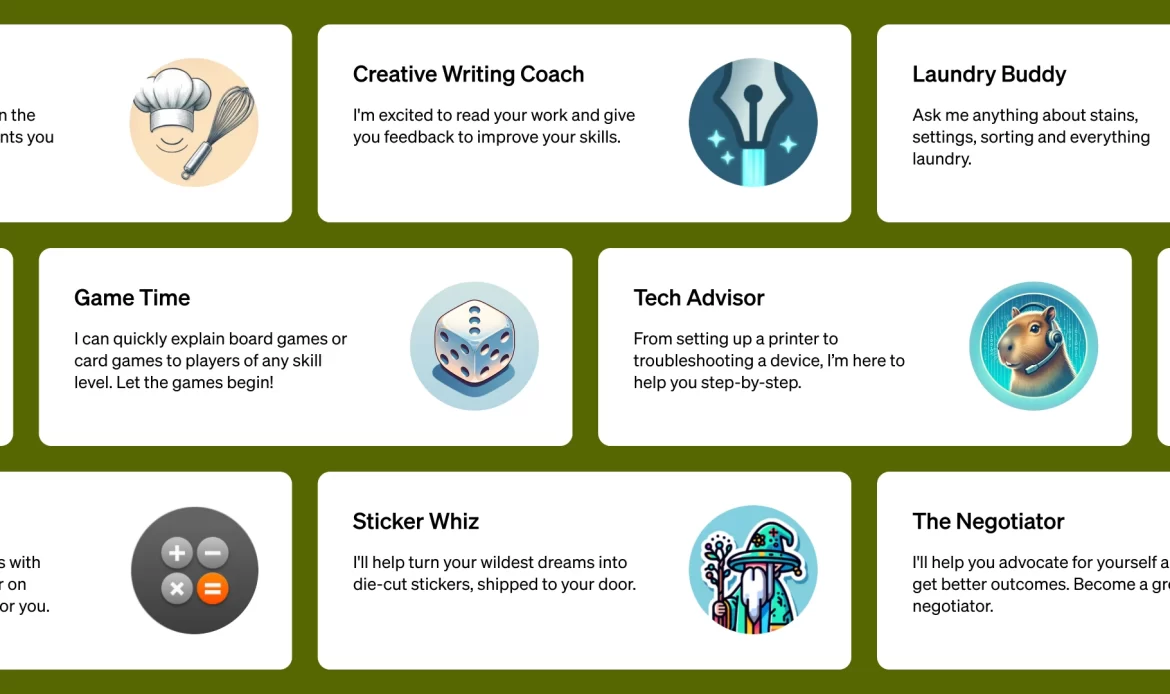
GPTs, in the context of ChatGPT, aren’t just a buzzword—they’re powerful, customizable tools that can transform how you work, learn, and create. Think of them as task-specific versions of ChatGPT, each one trained or configured to focus on a particular skill set or workflow. Instead of giving generic responses, these GPTs are tailored to handle very specific prompts precisely.
For example, while regular ChatGPT might help you brainstorm a few ideas for a website, the Website Generator GPT will create a functional website layout based on your input. Where standard responses might give you tips on copywriting, a GPT like Copywriter GPT can generate headlines, product descriptions, and ad copy that’s already formatted for performance and engagement.
What makes GPTs even more powerful is how accessible they are. You don’t need to be a coder, designer, or data expert to use them. All you need is a clear prompt and a few clicks. Once inside ChatGPT, you can search, favorite, and chat with any GPT just like you would with the default assistant—but with way more targeted results.
The benefits go far beyond speed. GPTs help you automate tedious work, eliminate guesswork, and learn complex skills faster. They can serve as your personal tutor, designer, editor, strategist, or even accountability partner.
In short, GPTs are like having a team of digital experts available 24/7, ready to help you accomplish more, with less stress and better outcomes. And now that you understand their potential, it’s time to explore ten of the best GPTs you can start using right away.
Read: 5 ChatGPT Prompts to Refine Your CV and Land That Interview
Top 10 GPTs to Try Inside ChatGPT (With Use Cases and Links)
There’s no shortage of impressive GPTs out there, but if you’re just getting started, these ten options are some of the most practical, time-saving, and powerful tools available. From content creation to coding, design, productivity, and learning, each GPT below is built to simplify your workflow and help you get things done faster, with less manual effort.
Let’s walk through them one by one:
1. Website Generator GPT
Creating a fully functional website can be intimidating, especially if you’re not a developer. This GPT removes the stress and complexity by generating entire website structures and designs based on your input. You describe what you want, and it handles everything from layout to deployment. It is perfect for professionals, small businesses, and personal projects.
👉 Try it here
2. Canva GPT
Designing visuals has never been easier. This GPT brings Canva right inside ChatGPT, letting you create everything from social media posts to pitch decks. You can describe your design idea, and the GPT will generate a polished Canva layout that is ready to edit or download. It’s ideal for marketers, content creators, and visual storytellers.
👉 Try it here
3. Copywriter GPT
Are you struggling to write ad copy, headlines, or product descriptions that convert? Copywriter GPT is your go-to tool. Whether you’re a pro or just starting out, it’s fine-tuned for marketing, branding, and sales. Use it to boost your campaigns and engage your audience more effectively.
👉 Try it here
4. Excel GPT
Tired of Googling formulas or fixing broken spreadsheets? Excel GPT can clean up your data, write formulas, and help you analyze your sheets like a pro. Whether you’re in finance, HR, or operations, this GPT saves hours and removes the headache of manual spreadsheet work.
5. Video GPT
Do you need help writing a video script, planning a storyboard, or turning an idea into visual content? Video GPT is made for content creators and marketers who need quick and creative video output. It breaks down your topic and crafts a script with hooks, scenes, and calls to action.
6. Learning Coach GPT
This one’s perfect for students and professionals who love self-paced learning. Tell it what you’re studying, and it builds a custom learning plan, explains tough concepts, and quizzes you. It’s like having a private tutor who never gets tired.
7. Presentation GPT
Creating slide decks can be a drag—until now. Presentation GPT helps you structure your presentation, pick a tone and format, and even suggests visuals to support your message. Great for pitches, reports, and webinars.
8. Prompt Perfect GPT
Ever type something into ChatGPT and feel like your prompt didn’t quite hit? Prompt Perfect GPT helps you fine-tune your input so that you get more accurate, creative, and useful responses from any GPT you use.
9. Interview Coach GPT
Job interviews can be stressful, but this GPT helps you prepare like a pro. It simulates real interview questions, offers feedback, and helps you improve your answers with clarity and confidence. Ideal for job seekers at any level.
10. Smart Notes GPT
Got too much information and no idea how to organize it? Smart Notes GPT summarizes research, generates outlines, creates to-do lists, and even drafts reports. Perfect for students, writers, and busy professionals juggling multiple ideas.
Read: 5 ChatGPT Prompts to Help Your Business
How to Access and Use GPTs Inside ChatGPT

Now that you’ve seen the potential of these powerful GPTs, the next question is: how do you actually start using them? Good news—it’s easier than you think. You don’t need to download anything or have any special tech skills. Everything runs directly inside the ChatGPT interface.
First, make sure you’re using ChatGPT Plus, as custom GPTs are available to Plus subscribers. Once logged in, head to the Explore GPTs section—usually located in the sidebar or under the “Explore GPTs” button on your homepage. This is where you’ll find hundreds of prebuilt GPTs, organized by category, such as productivity, writing, education, coding, and more.
Search for the GPT you’re interested in—whether it’s “Canva,” “Copywriter GPT,” or “Learning Coach.” Once you’ve found it, click “Try” to launch a chat window just like you would with the standard ChatGPT. From there, interact with it normally by typing prompts based on your needs. For instance, with Presentation GPT, you could say, “Help me build a five-slide pitch deck for a fintech app,” and it’ll handle the structure, content suggestions, and even visual elements.
To make things easier, you can bookmark or favorite any GPT for quick access later. You can also pin them in your sidebar for daily use. And don’t forget—the better your prompt, the better the result. If you’re unsure how to phrase your request, Prompt Perfect GPT (one of the tools mentioned above) can help refine it for optimal output.
Using GPTs is like having a specialized assistant in your back pocket. Once you integrate them into your workflow, you’ll wonder how you ever got things done without them.
Start Small, Then Automate Smart
The magic of GPTs inside ChatGPT isn’t in doing more work but working smarter. These tools are built to take the weight off your shoulders, helping you achieve more with less time and effort. Whether you’re crafting marketing content, building websites, designing presentations, learning new skills, or just trying to stay organized, there’s a GPT designed to make it easier.
You don’t have to dive into all ten at once. The best approach is to start with one that aligns with your most repetitive or time-consuming task. Explore how it works, test what it can do, and watch how quickly it becomes part of your daily routine. Before long, you’ll find yourself relying on GPTs for productivity, creativity, learning, and professional growth.
Remember—this isn’t about replacing your work. It’s about elevating it. With GPTs, your time becomes more focused, your ideas more refined, and your goals more attainable.
So go ahead—open ChatGPT, explore the GPT store, and try one today. Your next breakthrough might be just a single prompt away.